
Beyond essential alt text, the image title attribute serves a distinct, optional purpose. This hover-triggered tooltip provides supplementary context for sighted users, but differs critically from alt tags in SEO impact and accessibility. Understanding when and how to use the image title attribute can refine your site’s user experience without compromising core web standards.
While alt tags are essential for accessibility and SEO, title attributes and descriptions (like captions or longdesc) are optional but can enhance user experience when used correctly.
1. Image Title Attribute (title="...")
Function:
Displays a tooltip when a user hovers over the image (not visible on mobile).
Provides additional context but is not read by most screen readers (unlike alt text).
Has minimal SEO impact (Google doesn’t prioritize it for ranking).
When to Use:
For supplementary info (e.g., image credits, subtle details).
On interactive elements (e.g., links with images).
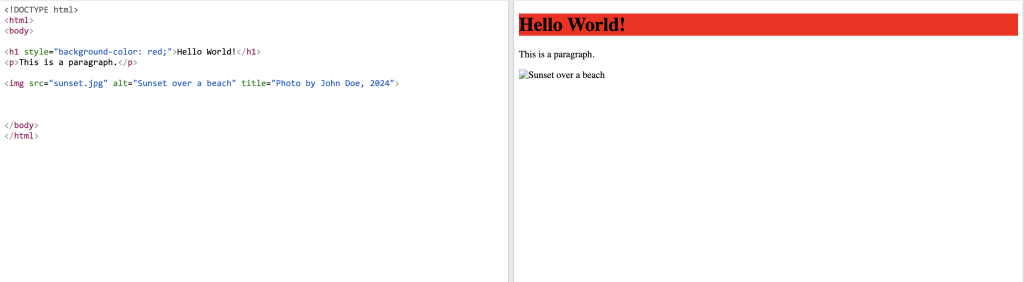
Example:
results found after running the following code online.
2. Image Descriptions (Captions, longdesc, or aria-describedby)
Function:
Captions (
<figcaption>): Visible text below/above an image, useful for context.longdesc: For complex images (e.g., charts), links to a detailed description (rarely used today).aria-describedby: For screen readers to link to a longer description elsewhere on the page.
When to Use:
For detailed explanations (e.g., infographics, diagrams).
When alt text isn’t enough (e.g., “See caption below”).
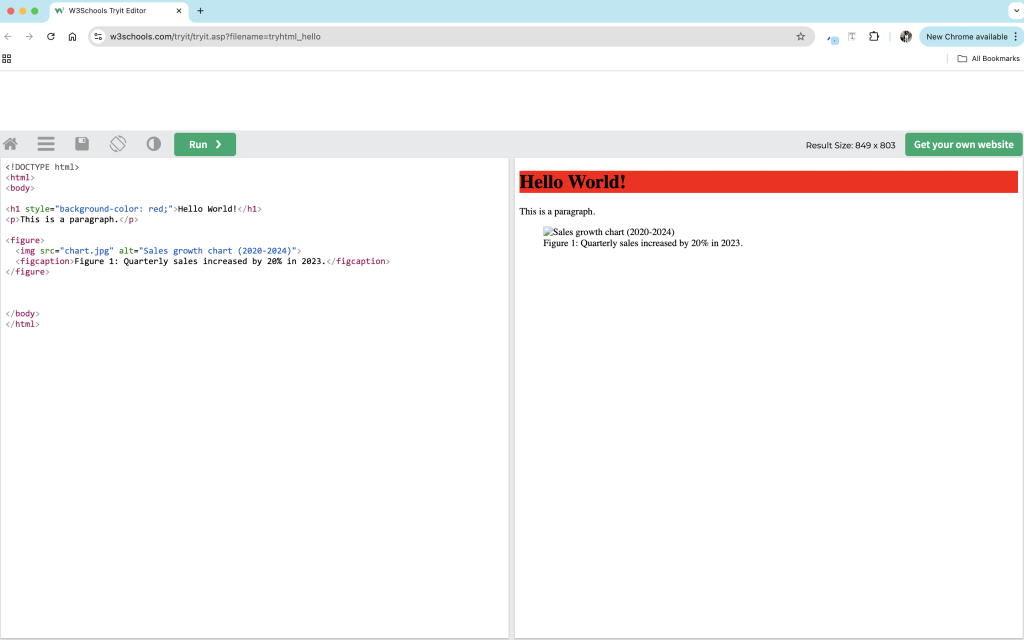
Example:
results found after running the following code online.
Best Practices for Filling Alt Text, Titles, and Descriptions
Attribute
Purpose
Best Method
Example
| Alt Text | Accessibility + SEO | Be concise, descriptive, and include keywords naturally. | alt="Golden retriever playing fetch in a park" |
| Title | Tooltip (optional) | Use sparingly for extra context (e.g., credits, subtle hints). | title="Photo by Jane Smith" |
| Caption | Visible description | Explain complex images or add context. | <figcaption>NASA's Hubble Telescope image of a nebula.</figcaption> |
| Longdesc/ARIA | Detailed descriptions | Only for very complex images (e.g., scientific data). | aria-describedby="chart-desc" |
When to Skip Titles/Descriptions:
Decorative images: Use
alt=""and omit titles.Redundant info: If the caption repeats the alt text, skip the title.
Key Takeaways:
Alt text = Required (accessibility + SEO).
Title = Optional (tooltip only, not for critical info).
Descriptions/Captions = Useful for complex images.
By following these guidelines, you ensure images are accessible, SEO-friendly, and user-friendly!
I’ve been looking for a Frenchie locally – this helped a lot!
Glad to know we could help. Enjoy your week.