

Understanding and implementing proper alt tags for images is a crucial aspect of both web accessibility and technical SEO. Often overlooked, these simple HTML attributes ensure your website is inclusive for all users and fully understood by search engines. This guide explains what alt tags are, why they’re essential, and exactly where to use them to maximize their impact.
What Are Alt Tags?
Alt tags (or alt attributes) are HTML attributes used to provide alternative text for images on a website. They describe the content and function of an image if it fails to load or if a user relies on a screen reader.
Function of Alt Tags in a Website
Accessibility – Helps visually impaired users understand images via screen readers.
SEO Benefits – Search engines use alt text to index images, improving rankings.
Fallback Text – Displays if an image doesn’t load (e.g., due to slow internet).
Better User Experience – Provides context when images are missing or broken.
Where to Use Alt Tags?
Images (
<img>tags) – Essential for all website images.Logos & Icons – Describe their purpose (e.g., “Company Logo”).
Infographics & Charts – Summarize key data points.
Buttons with Images – Explain action (e.g., “Search Button”).
Decorative Images – Use empty alt (
alt="") if no meaningful content.
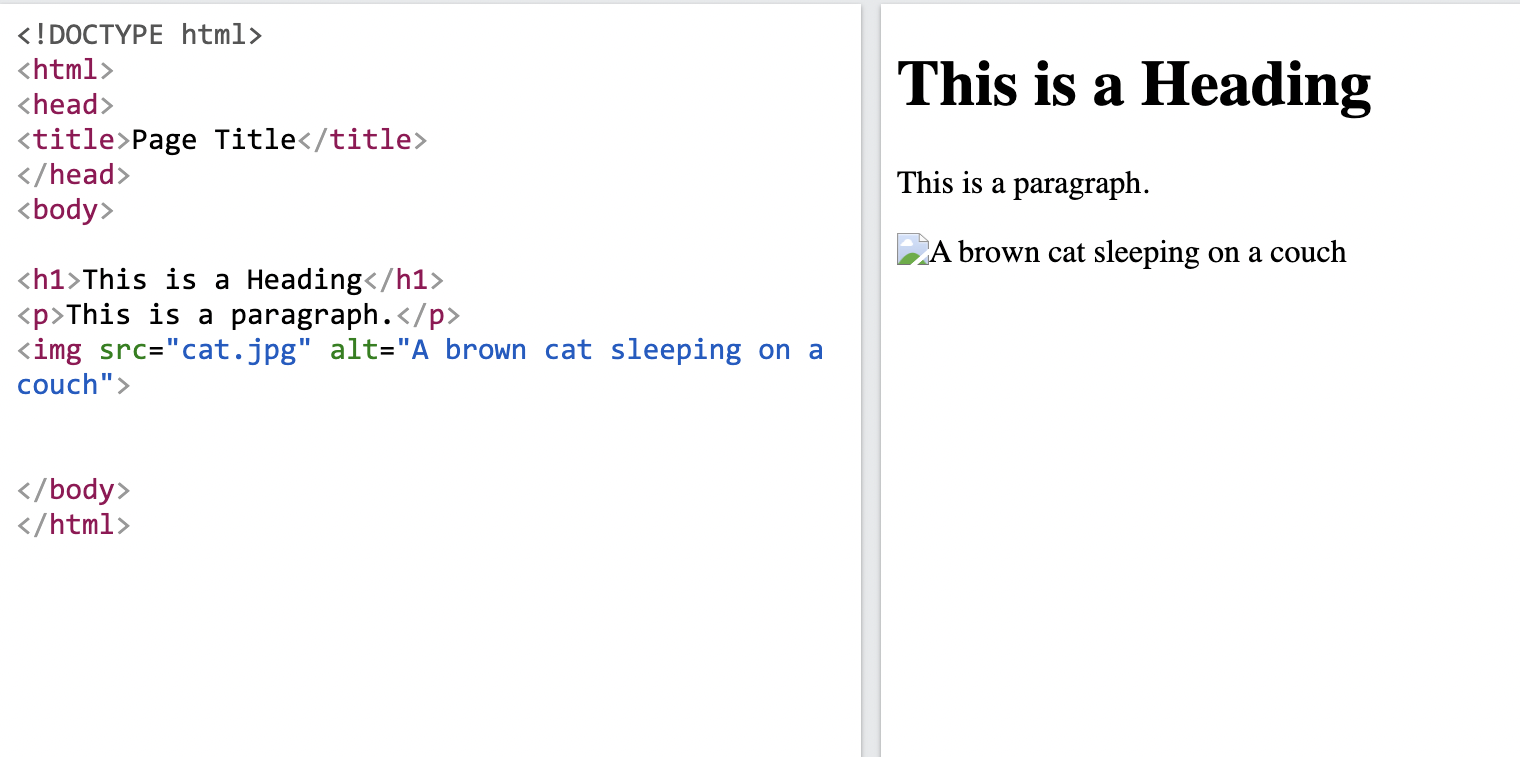
Example of Alt Tag in
<img src="cat.jpg" alt="A brown cat sleeping on a couch">Best Practices
- Be descriptive but concise (e.g., “Red sports car on highway”).
- Avoid keyword stuffing (e.g., “Cheap shoes, buy shoes online, discount shoes”).
- Include text from images (if an image contains text, repeat it in the alt tag).
- Skip alt text for decorative images (
alt="").
By using alt tags correctly, you improve accessibility, SEO, and overall website usability.